|
|

The button with the red "i" and the ruler in the cabinet insertion window is there so that you can change cabinet values such as Width, Depth, Height, Elevation (distance from floor) and Number of Shelves.
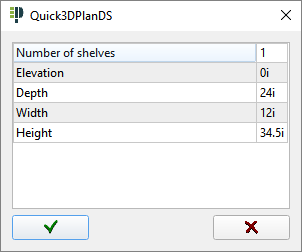
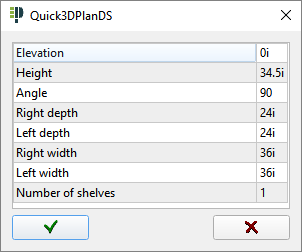
The values to be modified can vary from one cabinet to another. For examples, see the windows below. The window on the left shows the available variables for a standard base cabinet. The window on the right shows the available variables for a diagonal corner base cabinet.
|
|
|