|
|

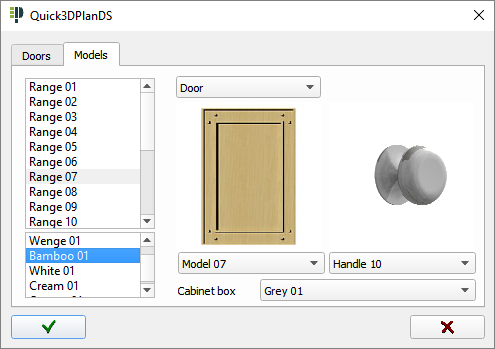
The Doors button inside the cabinet insertion screen allows you to preselect the door and/or hardware style to be applied throughout a project.
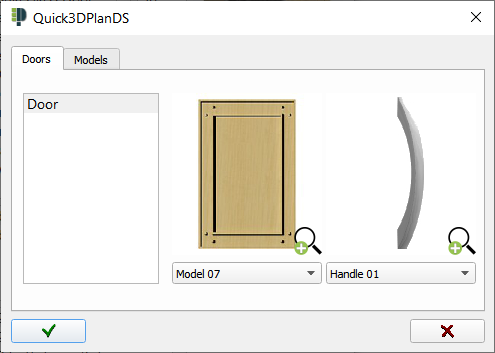
 Note: Click on this image to see all the elements in thumbnails. Once you have found the element that you want to insert in the drawing, click on it and then on the check mark
  to accept the selection.
If you want to apply a series, click on the "Series" tab above, and select the desired series.