The Moldings button allows you to select the molding model for one cabinet before placing it. You will see the molding type and a sketch for each model. A click on the black and white sketch will show the list of available models. Unchecking the molding name will only affect the current cabinet.
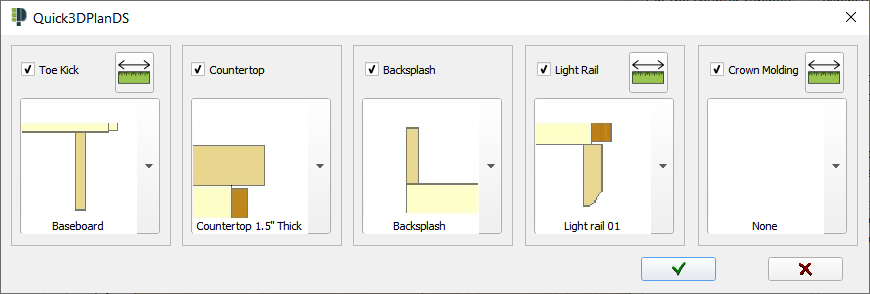
Tip: Select the model "None" if you do not want to draw a given molding in the current work session (e.g. no light rails).
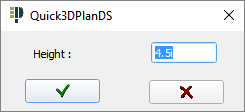
 After clicking on button "i", the following dialog box appears to allow you to change the molding height.